



The Ultimate Multi-Window Synchronizer & Manager
Streamline your workflow with powerful batch operations—create, edit, and manage hundreds of profiles in seconds. Save time, reduce errors, and scale your business efficiently.
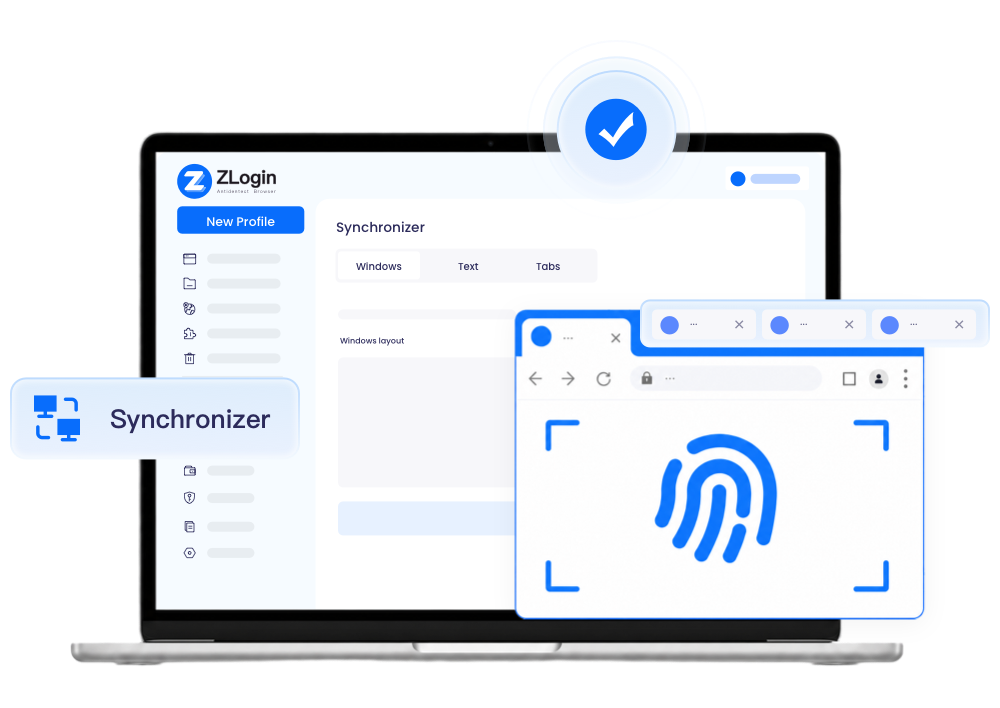
Why a Multi-Window Synchronizer?
 Without ZLogin
 Waste much time on repetitive boring tasksGet troubles in shifting screens frequentlyEasily miss some minimal actions
 With ZLogin
 Simultaneously manage multiple same tasksSecurely sync your actions on different profilesSimulate real user behavior across multiple accounts in bulkUnleash productivity and optimize workflow
Discover More Advantages of Synchronizer
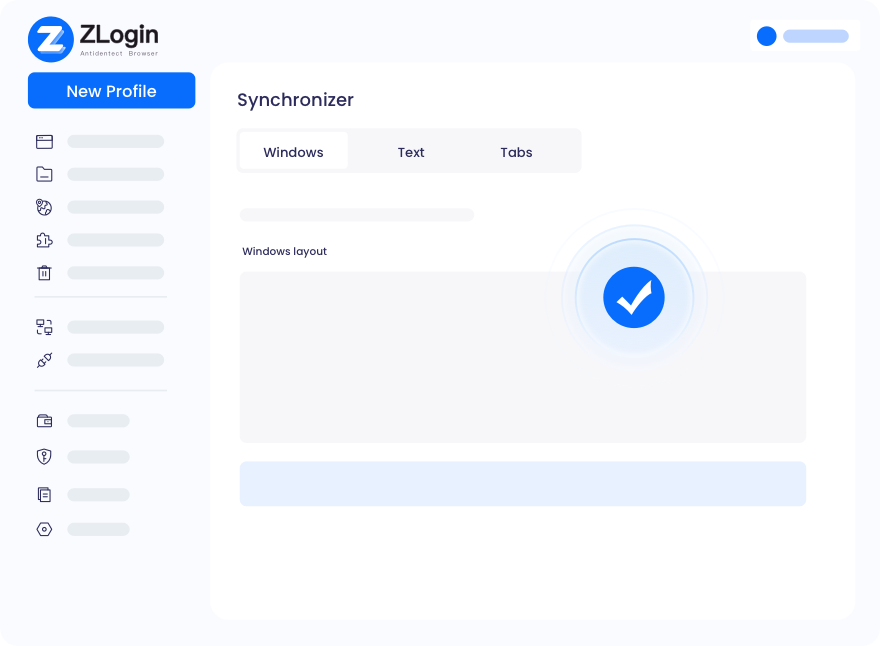
User-friendly for Each Person
What you see is what you get! It is really simple to sync multiple windows to optimize your workflow, even for the newbies. You don't need to change your usage habits on browsers. No configuration & coding required! Only with a few clicks or shortcuts, will you finish plenty of tasks (search, browse, interact, download, etc.) at the same time.
Start Free Trial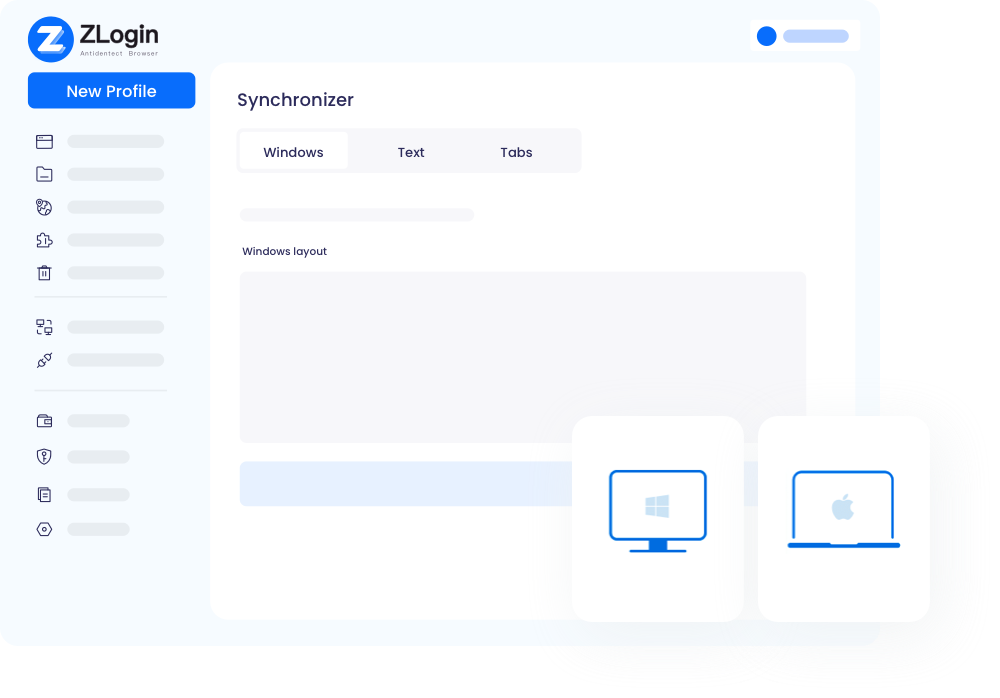
Any Site & Profile Supported
There is no limit to syncing! Users can select any number of profiles to start sync, from 2 to thousands. Moreover, any profile for any platform can be synced, including popular websites: Facebook, Amazon, YouTube, Discord, eBay, and so on. Synced windows behave naturally, just like a real user operating separate devices.
Start Free Trial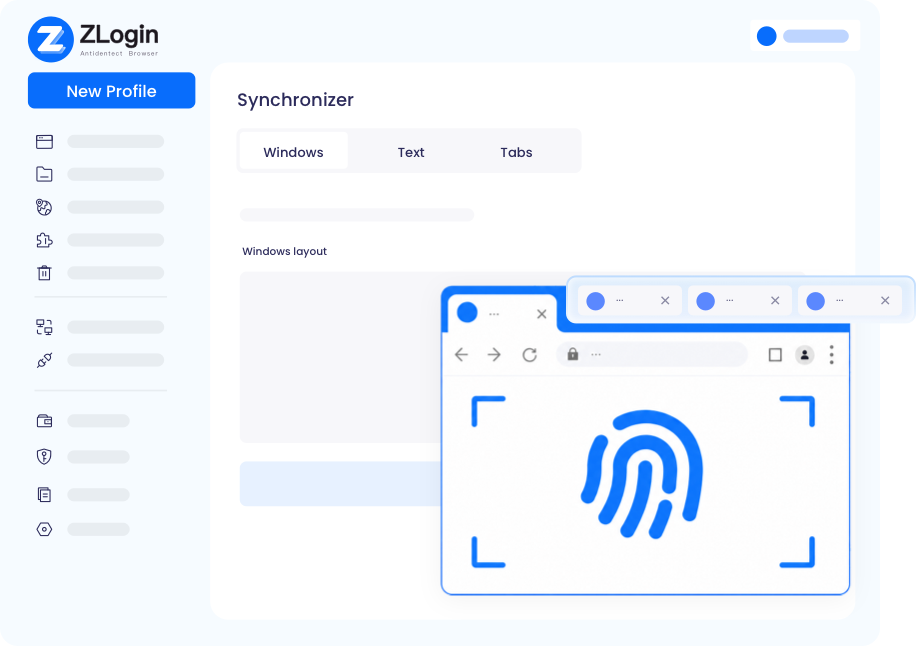
Customize Workflow to Unleash Productivity
No matter what you demand for simultaneous actions or delayed operations, ZLogin can satisfy all your needs according to your customization. Preset the texts and tabs' operations, and ZLogin will act as human in batches to efficiently complete your tasks.
Start Free TrialFrequently Asked Questions

There is no limit on the number of synced windows in ZLogin's multi-window synchronizer. Please note that it just supports synchronization on SunBrowser(based on Chromium) at present.

Best Multi-Login Browser for Any Industry
Start to try it out for free with 2 profiles available
Download
Mac VersionWindows VersionLegal Notices
User AgreementPrivacy PolicyZLogin Browser
Use CasesFunctionsBrowser CheckAbout Us
Partner ProgramZLogin BlogContact Us
Email:support@zlogin.com