



Boost Productivity with Batch Profile Management
Streamline your workflow with powerful batch operations—create, edit, and manage hundreds of profiles in seconds. Save time, reduce errors, and scale your business efficiently.
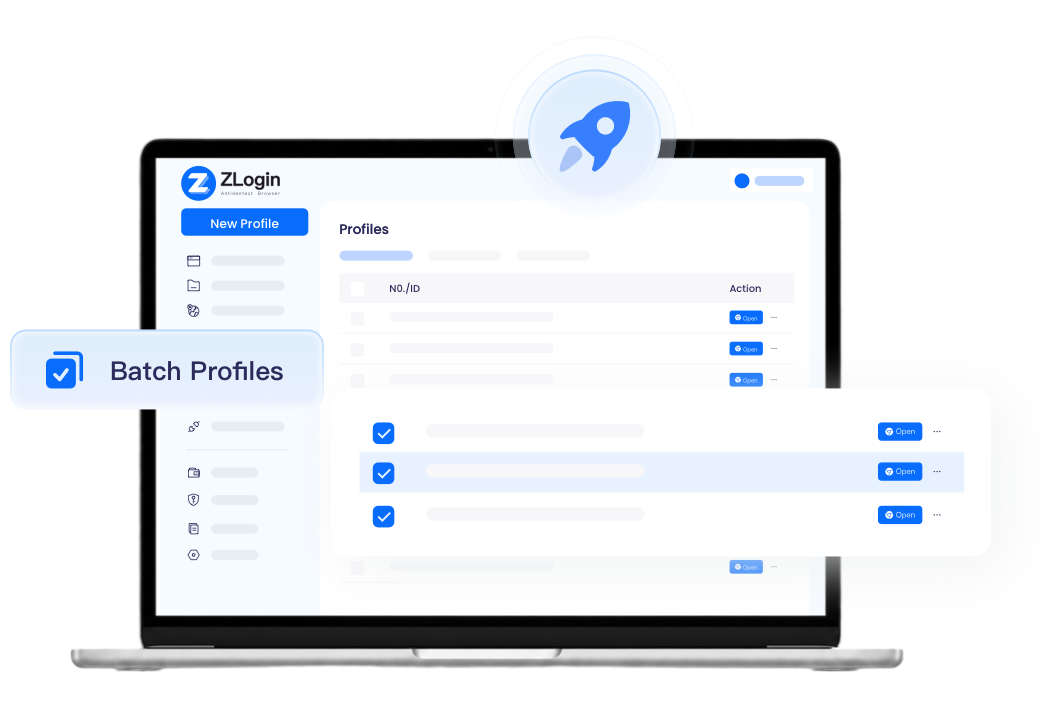
Why Choose Batch Profile Management?
 Without ZLogin
 Manually configure each browser environment one by oneModify browser settings individually for every profileUnable to perform multiple tasks simultaneously
 With ZLogin
 Create browser profiles in batches without detection risksEdit settings for all profiles simultaneouslyExecute RPA automation across multiple profilesCategorize and organize profiles for efficient management
Key Benefits of Batch Operations
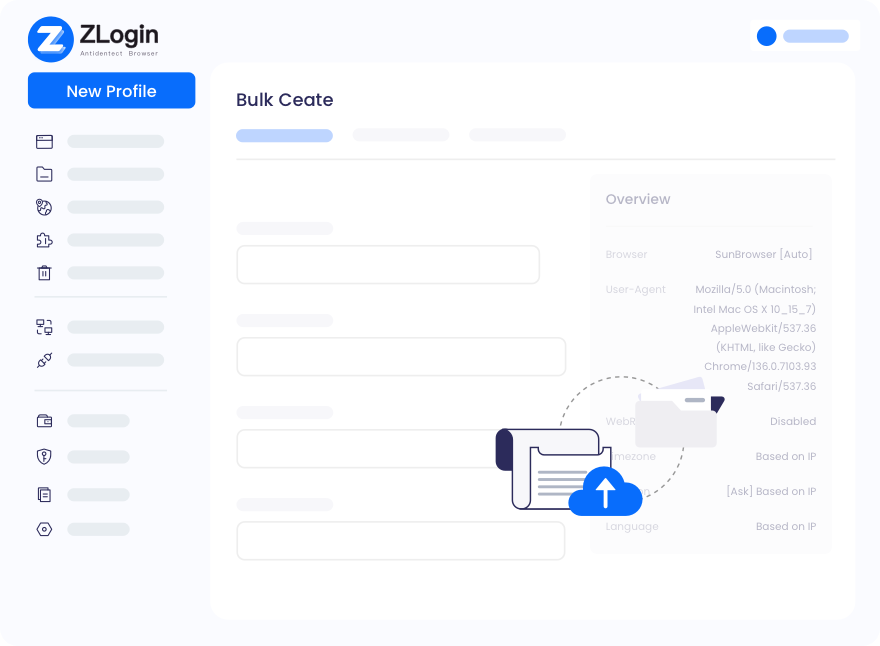
Maximize Operational Efficiency
Create multiple profiles, automate tasks, bulk-check proxies, and adjust browser fingerprints with just a few clicks. Whether you're managing dozens or hundreds of profiles, batch operations complete complex tasks effortlessly, saving you valuable time and energy.
Start Free Trial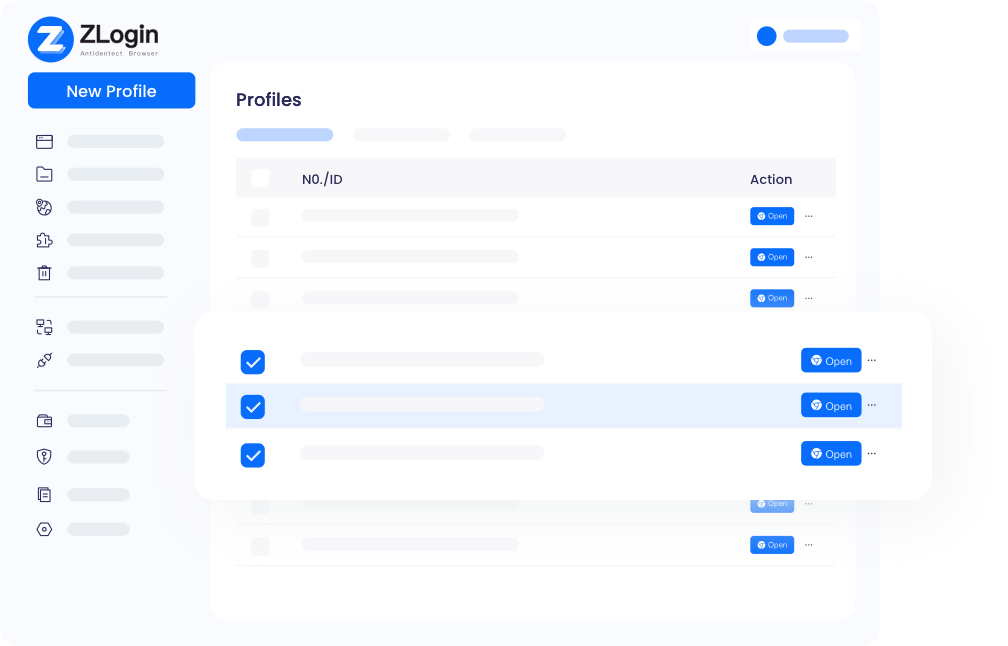
Minimize Human Errors
Manual, fragmented operations often lead to inconsistencies and mistakes. Batch profile management ensures uniform settings across all profiles, significantly reducing operational errors. ZLogin's proven accuracy, backed by years of positive user feedback, guarantees reliable and consistent results every time.
Start Free Trial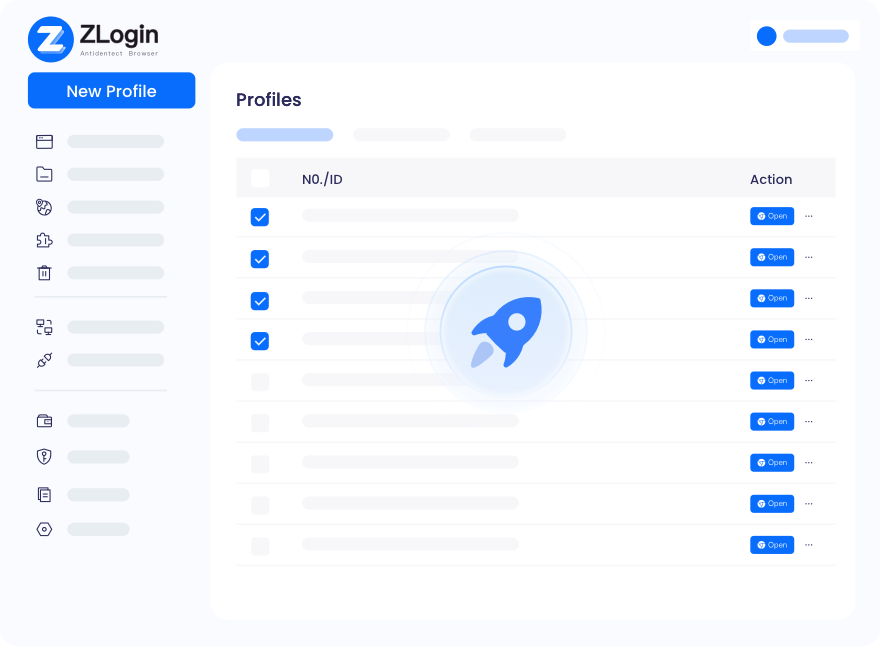
Simplify Team Administration
Batch processing makes teamwork and task management effortless. Administrators can monitor multiple profiles simultaneously, share specific profiles with team members for follow-up, and allocate resources more effectively. This streamlined approach frees up manpower to focus on revenue-generating activities.
Start Free TrialFrequently Asked Questions

Yes. Click "New Profile" and switch to "Batch Import" mode. You can then create multiple profiles at once by importing a specified file with profile configurations.

Best Multi-Login Browser for Any Industry
Start to try it out for free with 2 profiles available
Download
Mac VersionWindows VersionLegal Notices
User AgreementPrivacy PolicyZLogin Browser
Use CasesFunctionsBrowser CheckAbout Us
Partner ProgramZLogin BlogContact Us
Email:support@zlogin.com