



Comprehensive Account Security & Data Protection
ZLogin provides multi-layered security with local-first storage, end-to-end encryption, and intelligent threat detection to safeguard your accounts and sensitive business data.
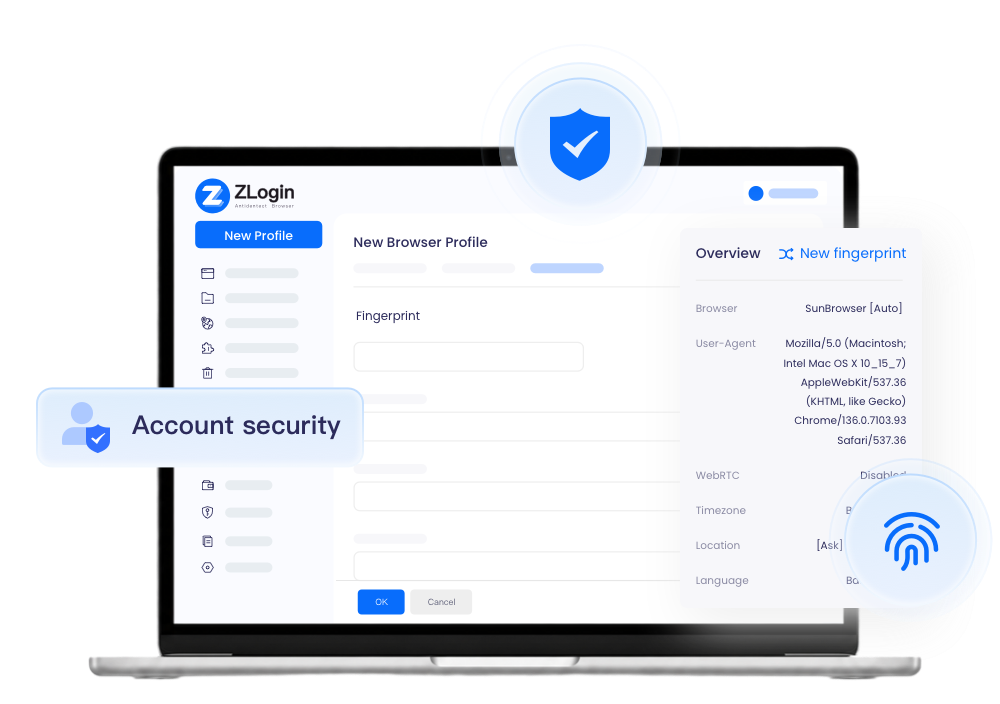
Why Choose ZLogin for Account Security?
 Without ZLogin
 Passwords shared via insecure channels (chat, email, documents)No visibility into who accessed accounts and whenData breaches from cloud sync without encryptionRisk from automatic extension updatesNo alerts for suspicious login attemptsDifficulty revoking access for former team members
 With ZLogin
 Local-first storage with optional encrypted syncComplete audit trail of all account activitiesEnd-to-end encryption for all synchronized dataManual control over extension updatesReal-time alerts for abnormal login patternsInstant access revocation for team membersSecure multi-device collaboration
Advanced Security Features for Complete Protection
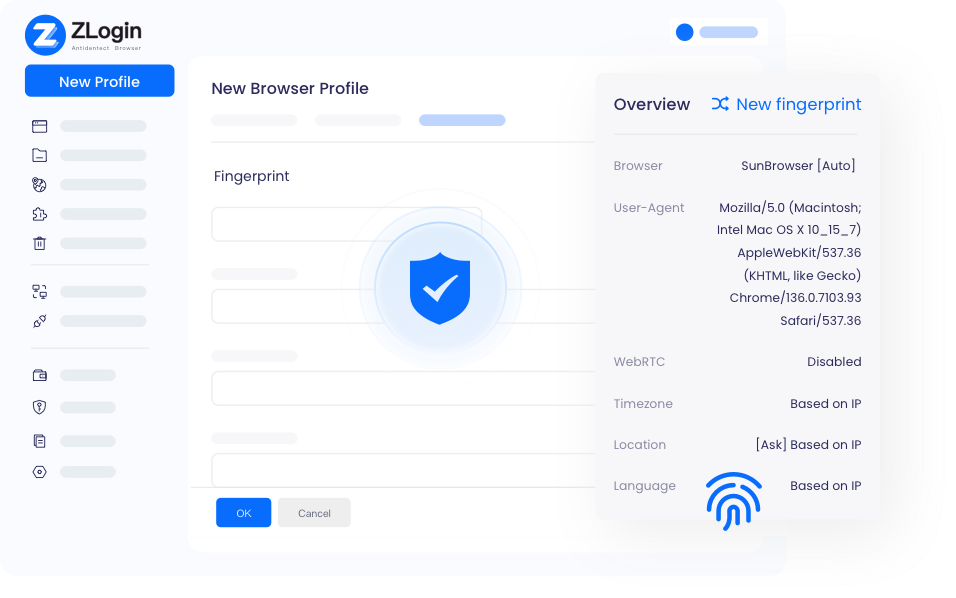
Local-First Storage Minimizes Exposure
ZLogin stores sensitive data—including passwords, cookies, LocalStorage, and session information—locally on your device by default. This approach eliminates unnecessary cloud transmission, significantly reducing the risk of data breaches during network transfers. Your critical business information stays under your control.
Start Free Trial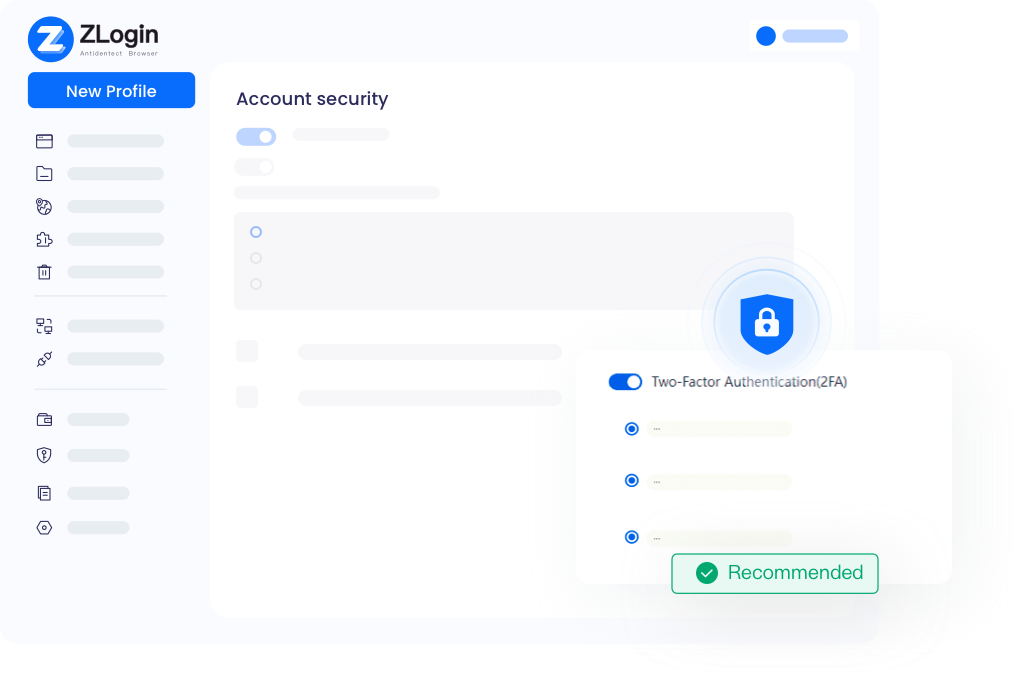
End-to-End Encrypted Synchronization
When you enable cloud sync for team collaboration or multi-device access, ZLogin uses military-grade end-to-end encryption. Only authorized users can decrypt and access the data—neither ZLogin nor any third party can read your information. This ensures complete privacy even during synchronization.
Start Free Trial
Complete Data Deletion Control
Maintain full control over your data lifecycle. ZLogin allows you to permanently delete both local and cloud-stored data—including login sessions, cookies, cached files, and synchronized information. Whether you're switching devices, offboarding team members, or cleaning up old profiles, ensure no residual data remains.
Start Free TrialFrequently Asked Questions

ZLogin uses a local-first architecture where passwords and sensitive data are stored on your device by default. When cloud sync is enabled, all data is protected with end-to-end encryption, meaning only you and authorized team members can access it. Additionally, features like 2FA, IP allowlists, and abnormal login detection provide multiple layers of protection.

Best Multi-Login Browser for Any Industry
Start to try it out for free with 2 profiles available
Download
Mac VersionWindows VersionLegal Notices
User AgreementPrivacy PolicyZLogin Browser
Use CasesFunctionsBrowser CheckAbout Us
Partner ProgramZLogin BlogContact Us
Email:support@zlogin.com